Converting...
Table of Contents
WebP has become the modern standard for fast-loading websites — but it’s not always practical.
Many designers, developers, and everyday users still run into compatibility issues when trying to edit, upload, or print WebP images.
That’s where converting WebP to PNG becomes essential.
What Is a WebP File?
WebP is a next-generation image format designed to reduce file sizes while maintaining visual quality.
It’s commonly used on:
- Websites
- Blogs
- eCommerce stores
- Landing pages
But despite its advantages, WebP still has limitations.
What is PNG & Why Convert WebP to PNG?
PNG (Portable Network Graphics) is a widely supported image format known for:
✔ Lossless quality
✔ Transparent backgrounds
✔ Editing flexibility
✔ Universal compatibility
Unlike WebP, PNG works seamlessly with:
- Design software
- Print workflows
- Social media uploads
- Document platforms
- Older apps & systems
This makes PNG the preferred format for editing, branding, and sharing.
The Problem with WebP
Many platforms still struggle with WebP support.
You may face issues when trying to:
- Upload images to design software
- Share files on older systems
- Print graphics
- Use certain CMS platforms
- Import into editing tools
This is why PNG remains the universal fallback.
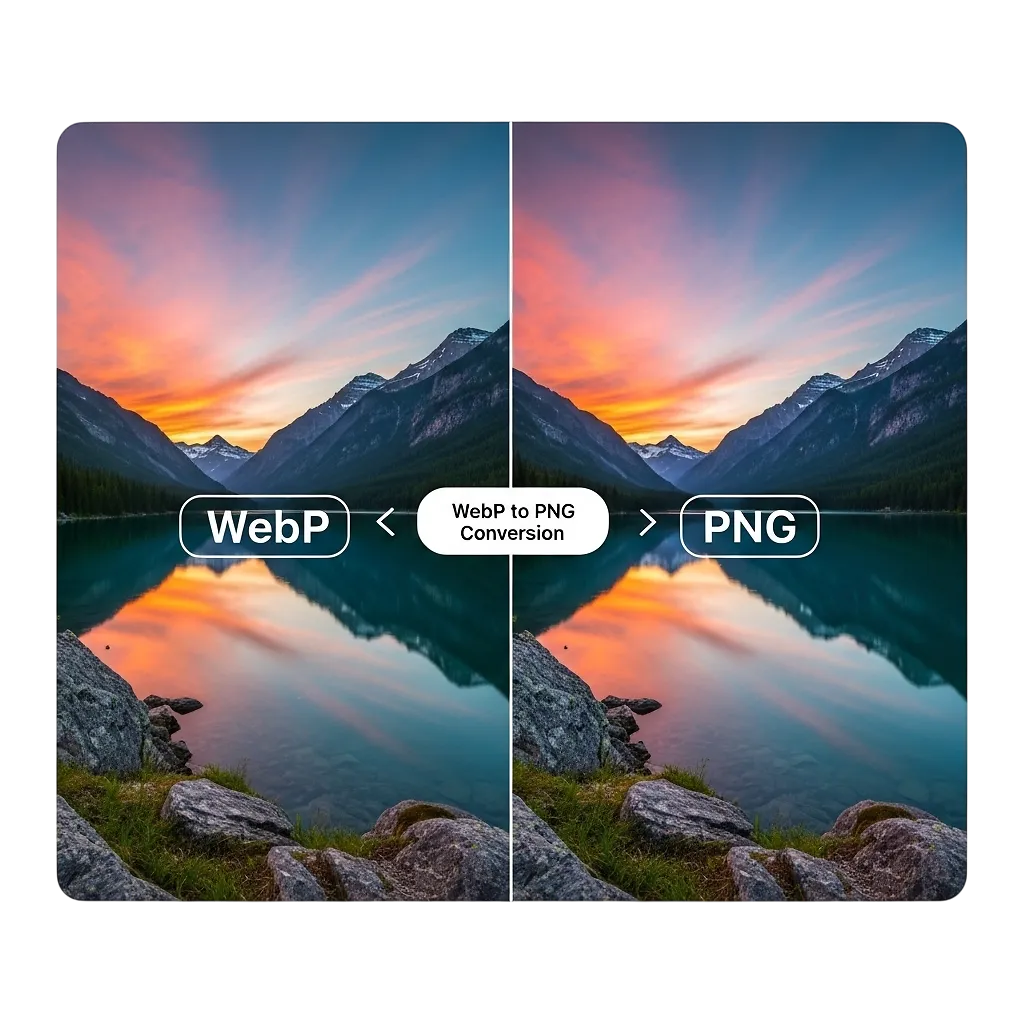
PNG vs WebP: Quick Comparison
| Feature | PNG | WebP |
|---|---|---|
| Transparency | ✅ | ✅ |
| Editing | ⭐⭐⭐⭐ | ⭐⭐ |
| Compatibility | ⭐⭐⭐⭐⭐ | ⭐⭐⭐ |
| File Size | Larger | Smaller |
| Best For | Design & Sharing | Websites |
Free Bulk WebP to PNG Converter Online

Convert WebP images to high-quality PNG format in seconds, without losing clarity.
Our fast and secure WebP to PNG converter lets you upload multiple images at once and convert them instantly for use in:
- Graphic design
- Printing
- Websites
- Social media
- Presentations
- Editing software that doesn’t support WebP
No downloads. No signups. No watermarks.
Why Convert WebP to PNG?
While WebP is great for web performance, many platforms still require PNG format.
Use PNG when you need:
✔ Full compatibility across devices
✔ Support in editing tools like Photoshop
✔ High-quality transparency
✔ Print-ready images
✔ Easy sharing on older platforms
What Makes Our WebP to PNG Converter Better?
✔ Bulk conversion (upload multiple files at once)
✔ High-quality PNG output
✔ Maintains transparency
✔ Fast processing
✔ Secure temporary uploads
✔ No permanent storage
✔ Works on mobile & desktop
✔ No file naming changes
Your files are automatically deleted after processing.
How to Convert WebP to PNG
Upload your WebP image(s)
Click Convert Now
Download your PNG instantly
That’s it, no technical skills required.
Who Is This Tool For?
This free WebP to PNG converter is ideal for:
- Businesses uploading product images
- Designers working with layered graphics
- Developers preparing assets
- Print shops
- Content creators
- Students
Frequently Asked Questions
No. Our converter ensures your PNG output remains sharp and usable for editing or print.
Yes, bulk WebP to PNG conversion is supported.
Yes, 100% free with no limits for normal usage.
No. Files are automatically deleted.
Yes, PNG transparency is fully supported.
Conclusion
While WebP is excellent for improving website speed and performance, it isn’t always the most practical format for everyday use, especially when editing, sharing, or printing images.
That’s where PNG comes in.
Converting WebP to PNG ensures:
✔ Full compatibility across platforms
✔ Easy editing in design tools
✔ Better usability for documents, uploads, and graphics
With a fast and secure online converter, you can switch formats instantly without installing software or compromising image quality.
Whether you’re a designer, developer, content creator, or business owner, having a reliable WebP to PNG converter saves time and keeps your workflow smooth.
Use the tool above to convert your images in seconds; quickly, securely and hassle-free.
Convert PNG to WebP Now
Looking to reduce image size instead?
Try our PNG to WebP Converter.